Enterprise Grade File Access for Businesses on iPad, iPhone
The safe and secure file management app
When using file manager apps from the App Store user privacy and security is a major concern.
EnterpriseFiles goes above and beyond the control that an Enterprise Mobility Management system provides, to provide you with fine-grained control over how your iPad can be used and the data it stores, and how it secures access to your data.
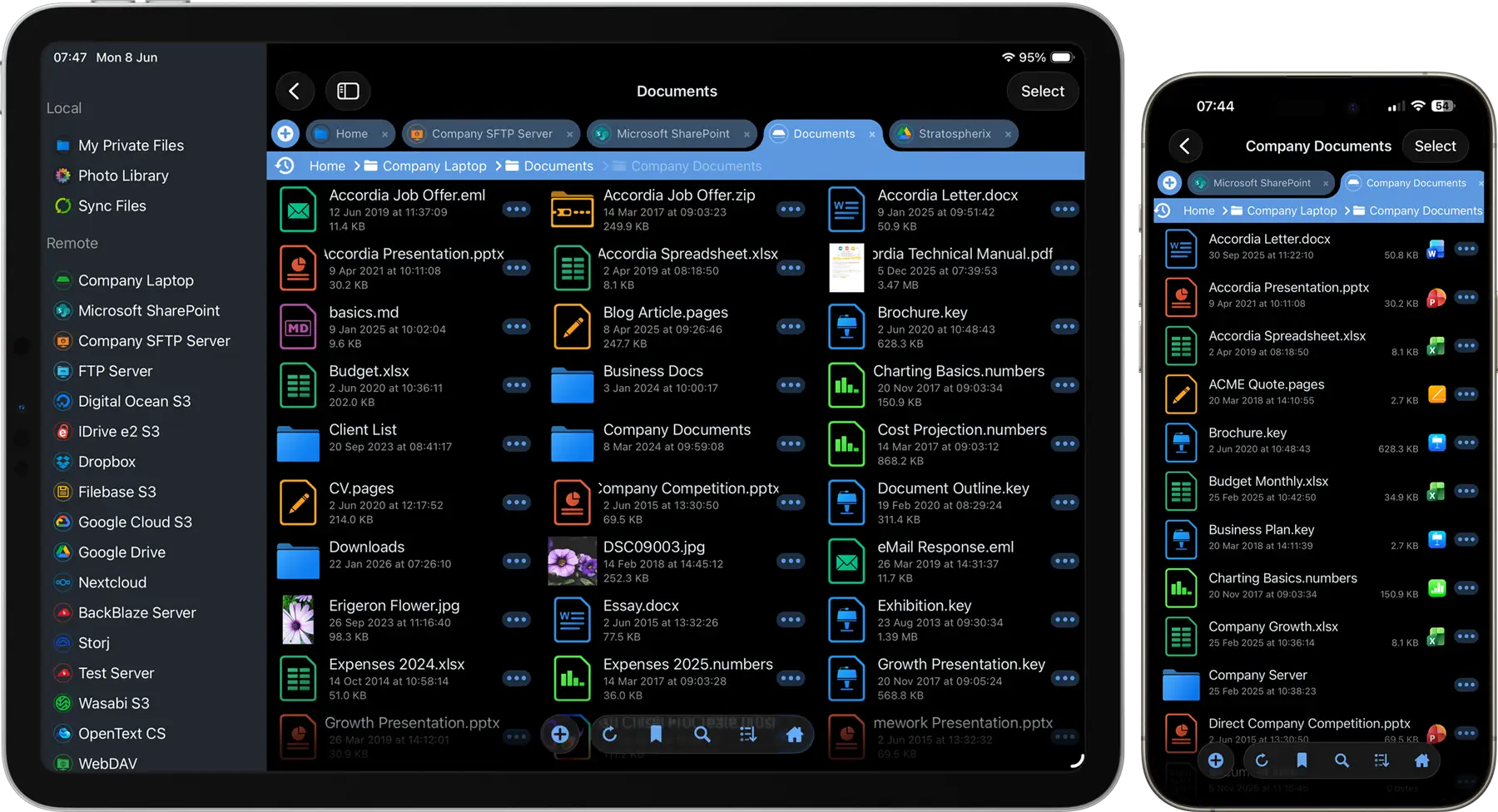
Enforce Corporate Security Policies Across Every Device
Enterprise Files enables organisations to define and enforce mobile file access policies through their MDM platform. Restrict connections, prevent data leakage, remove sensitive information and control document workflows without requiring user intervention.

Secure Credential Storage
Enterprise Files can be configured to align with your organisation's authentication and credential storage policies.
- Passwords can be stored securly in the iOS keychain or prevented on the device
- Support Face ID and Touch ID for secure user authentication
- Automatically remove stored credentials when biometric protection is disabled
Security Policy Benefits
- Reduce credential exposure on shared iOS devices
- Support stricter authentication requirements
- Enforce organisation-wide credential handling policies

Clear Sensitive Information
Prevent sensitive documents from remaining on managed iOS devices after use.
- Automatically clear document cache when users exit the application
- Purge temporary files and cached content
- Prevent persistent storage of sensitive documents
- Enable complete protection mode for higher-security environments
Benefits
- Reduce the risk of data exposure on lost or stolen devices
- Minimise sensitive information retained on endpoints

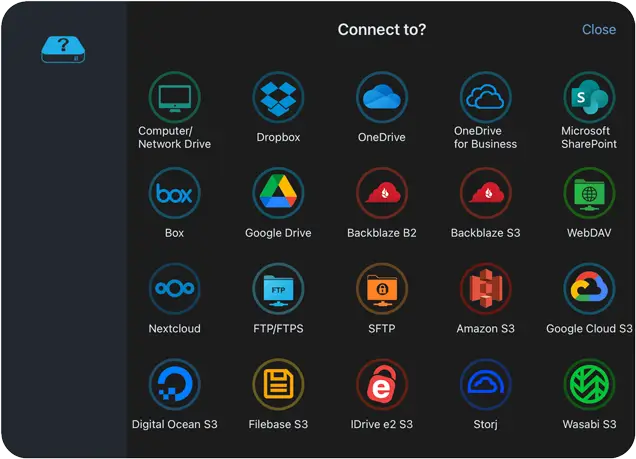
Control Which Corporate Data Sources Are Accessible
Deploy file server connection details via MDM and prevent users adding their own.
- Disable WiFi scanning
- Turn off WebDAV server
- Control which storage types are available
- Restrict SharePoint and OneDrive connections to corporate accounts
Encryption of Data at Rest
Enterprise Files leverages Apple's data protection technologies to help secure documents stored on managed devices.
- Local files and temporary caches are protected using iOS data protection services
- Security is enforced by Apple's hardware-backed security architecture
- Encryption policies are managed by the operating system rather than a separate application layer

Prevent Data Loss and Unauthorised Sharing
Turn off editing and sharing of files on all iOS devices via your MDM, Viewing only.
Enterprise Files can be deployed as a secure viewer, helping organisations implement Data Loss Prevention (DLP) policies and reduce the risk of sensitive information leaving managed environments.
- Read-only deployments
- Secure document viewing
- Prevention of data exfiltration
Tailor Enterprise Files to Your Mobile Security Policies
Configure Enterprise Files through your MDM to align with your organisation's security requirements and operational processes. Enable only the features your users need while restricting functionality that may conflict with corporate policies.
Create a tailored experience that balances productivity with security, ensuring employees can access the information they need while remaining within approved controls.
- Enable or disable features remotely through your MDM
- Restrict functionality based on corporate security requirements
- Lock configuration settings to prevent user modification
- Control file access, editing and sharing capabilities
- Configure approved connection types and storage locations
- Apply different configurations by department, role or user group
- Maintain consistent policies across all managed iOS devices
Reduce administrative overhead and ensure every deployment of Enterprise Files complies with your organisation's security standards.
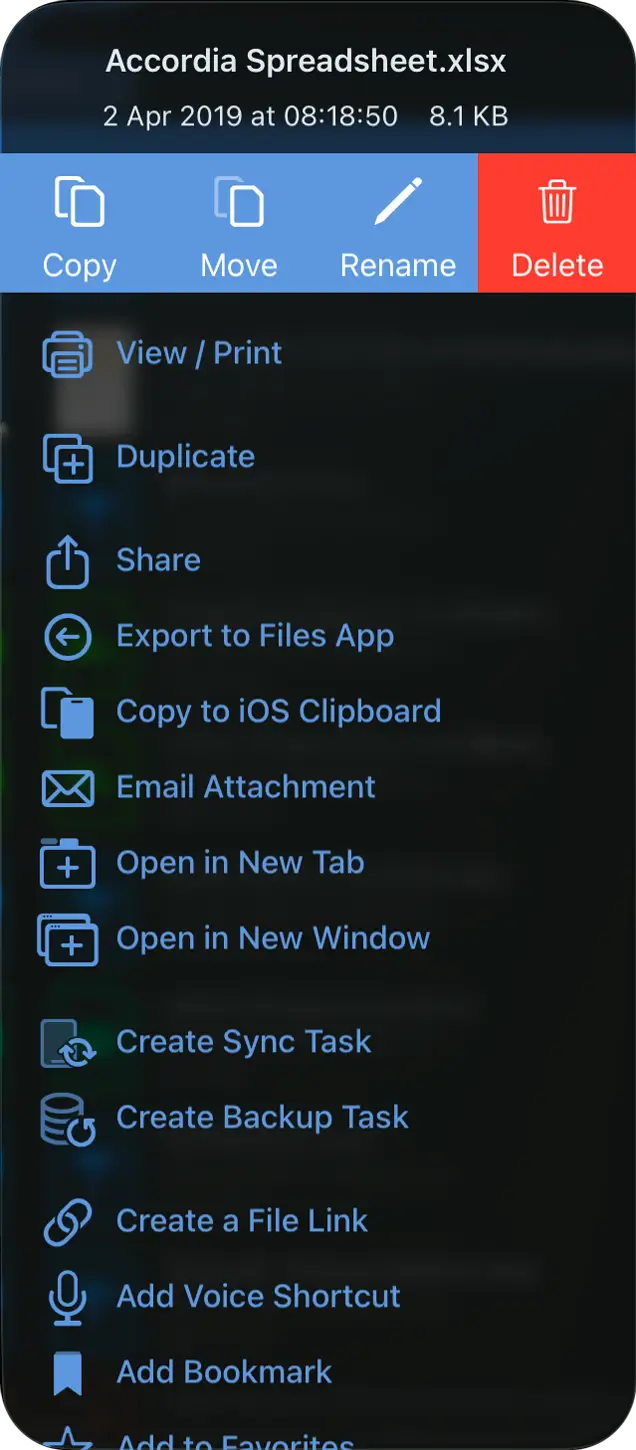 All Features
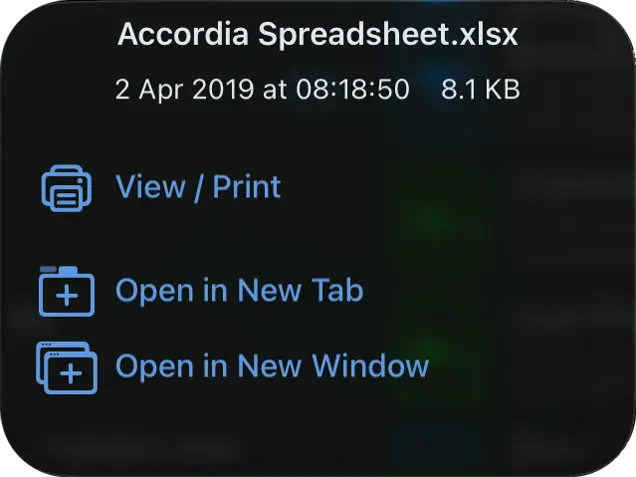 Locked Down

Distribute Policy Documents Through MDM
Ensure employees always have access to the latest corporate policies, procedures and compliance documentation on their managed iOS devices.
Use your MDM to pre-configure folder synchronisation tasks that automatically download documents to a read-only location within Enterprise Files.
- Automatically synchronise documents to managed devices
- Provide users with read-only access to corporate documentation
- Make documents available for offline access
- Deploy different document sets by role, department or user group
- Maintain consistent document distribution across your organisation
Help ensure employees have access to the latest information while maintaining control over document integrity.

Enforce File Access Policies Through MDM
Use your MDM to remotely configure Enterprise Files and ensure every managed iOS device adheres to the same file access and synchronisation policies.
- Pre-configure approved server connections
- Deploy synchronisation settings automatically
- Define update schedules centrally
- Apply configurations by department, role or user group
- Prevent users from modifying managed settings
App Privacy
Apple now require developers to declare what information their app collects, and display this on their App Store.
EnterpriseFiles does not collect any information unlike other file managers. See here.
See our full Privacy Policy.

Data Not Collected
The developer does not collect any data from this app.
For more information on pricing and a free trial please contact us at info@stratospherix.com today.
Download on iOS

Download on macOS