
Try MusicStreamer With Your Own Music Setup Before Purchasing
Connect to your NAS, Mac, PC or network drive and test full MusicStreamer functionality with up to 200 scanned tracks.
Download Free

Works With The Music Library You Already Own
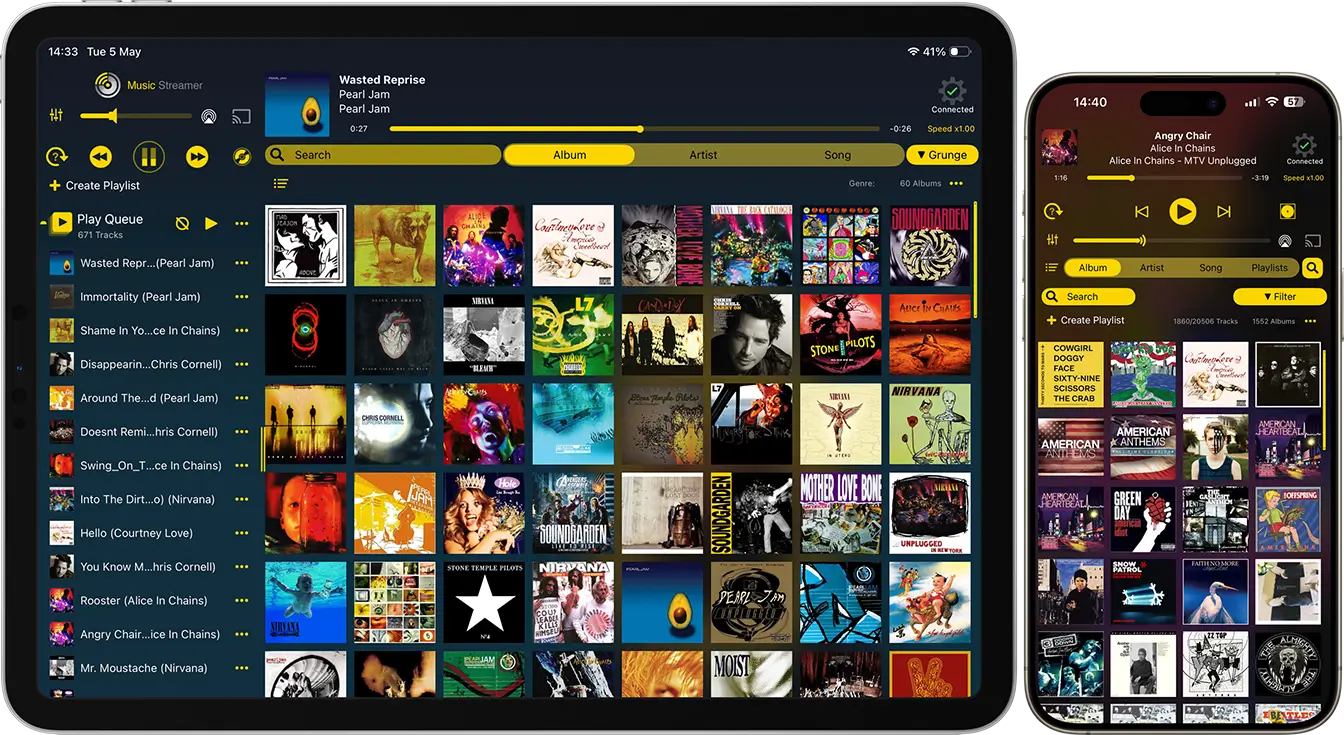
MusicStreamer Lite lets you access music over Wi-Fi from NAS drives, Macs, PCs and network storage from your iPhone or iPad.
Connect to:
- NAS drives incl. Synology & QNAP
- SMB network shares
- Mac shared folders
- Windows shared folders
- External storage devices
Supports
MusicStreamer supports a wide range of audio formats including FLAC, MP3, AAC, WAV and AIFF, together with M3U playlist files.
Playback Features
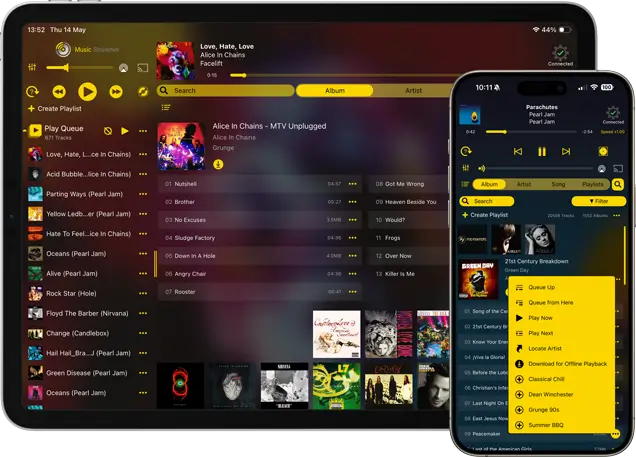
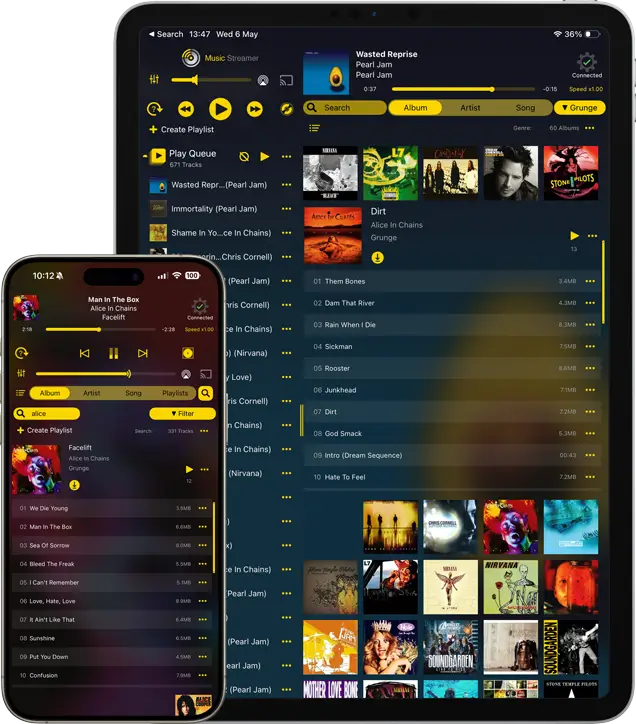
- AirPlay & Chromecast support
- Smart shuffle from filtered searches
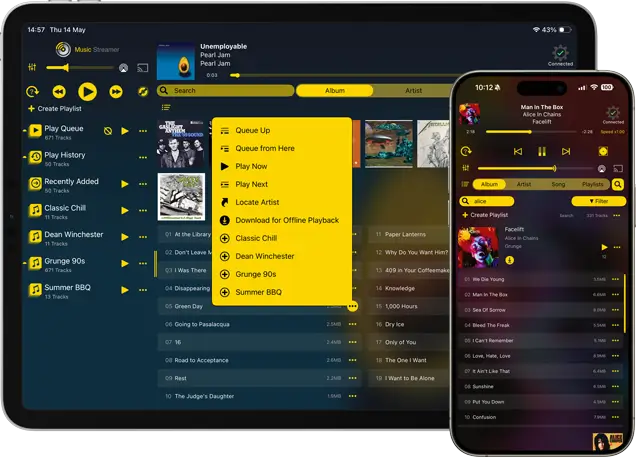
- Create, import and manage playlists
- Switch between multiple music libraries
- Download songs, albums, playlists or filtered results for offline playback
No server software. No syncing. No subscription required.
Simple To Set Up
No cloud migration. No media server setup. No complicated syncing.
Loved By Music Collectors
MusicStreamer is easily one of the best music streaming apps available for iOSappPicker

It handles digital collections in the tens of thousands with ease, and is rock solid.TheWightGuy - App Store Review

Music Streamer is a smart, new app that makes local music streaming easier than ever.AppAdvice

allow me to stream from my music library on a NAS and this app does the job perfectly and plays flac files!simon996 - App Store Review
I use it to stream music from a Synology NAS, and it's far superior for that purpose than any NAS-resident solution (Flex, iTunes, etc.).KGSnow - App Store Review
Before You Buy, Make Sure It Works With Your Setup
Every music library is different, so MusicStreamer Lite lets you test your own setup before upgrading.
Check compatibility with:
- network compatibility
- folder access
- metadata handling
- playback performance
- audio format support
If it works in Lite, it will work in the full version.
Experience MusicStreamer with your own music collection before upgrading to support your entire library.
MusicStreamer Lite vs MusicStreamer
 MusicStreamer Lite

|
 MusicStreamer
|
 MusicStreamer for Mac

|
|
|---|---|---|---|
| Pricing |
FREE
|
$9.99
USD |
$9.99
USD |
| Music Scanning limit | 200 Songs | Unlimited | Unlimited |
| CarPlay Support | - |

|
- |
| Download Tracks for Offline Play | - |
|
|
| Import Playlists |
|
|
|
| Export Playlists |
|
|
|
| Connect to Multiple Music Libraries | |
|
|
| Chromecast Enabled with Multi-room |
|
|
- |
| Airplay Enabled |
|
|
|
| Stream to Amazon Echo |
|
|
|
|
|
|

|
|
FAQ
-
Why is MusicStreamer Lite limited to 200 tracks?
The Lite version is designed to let you verify compatibility with your own music setup before purchasing the full version.
You can test: network access, music formats, metadata and artwork, playlist support, and playback performance using your own files and devices. -
Can I test MusicStreamer with my NAS drive before buying?
Yes. MusicStreamer Lite is specifically intended for testing compatibility with NAS drives, Macs, PCs and shared network folders before upgrading.
It works with many common SMB-compatible storage setups including Synology and QNAP NAS devices. -
Will MusicStreamer change or reorganize my music files?
No. MusicStreamer reads your existing music library where it already exists.
Your files remain stored on your NAS, computer, network share or external storage device.
-
Does MusicStreamer Lite require server software?
No. MusicStreamer connects directly to shared folders and network storage over Wi-Fi.
You do not need to install additional media server software to begin streaming your music collection. -
What happens if my music collection is larger than 200 tracks?
MusicStreamer Lite will scan up to 200 tracks so you can test your setup and experience the app.
To scan and browse larger music libraries, you can upgrade to the full version. -
Can I use MusicStreamer Lite away from home?
MusicStreamer Lite is designed for streaming your full music collection over Wi-Fi from your NAS, Mac, PC or network storage.
For listening away from your network, you can download tracks, albums or playlists to your iPhone or iPad for offline playback.


