Import PSD Files into Procreate
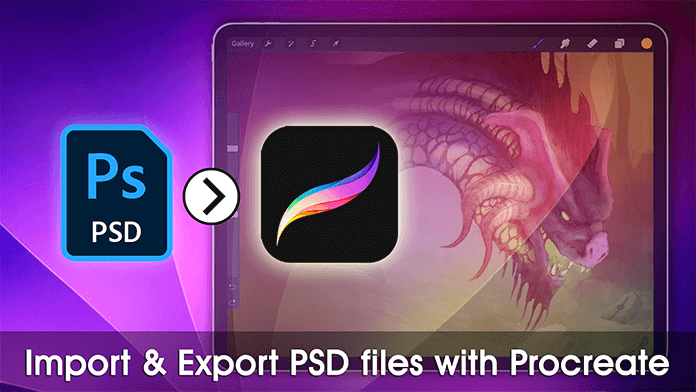
Learn how to open and edit PSD files in Procreate using FileBrowser Professional, directly from your cloud storage or computer.
This video will show you how to Import and Export your photoshop PSD files into Procreate easily from your Mac, PC or cloud account. The second part of the video shows you how to export your painted as a PSD back to your computer.
FileBrowser Professional gives you full control over your files on iPad including network drives, cloud storage, and advanced file operations all in one powerful app. Download now on the App Store
Benefits
- Continue working on Photoshop files from desktop on your iPad
- Collaborate with others who send layered artwork
- Re-edit existing PSDs in Procreate with full layer support

Related Videos
Download Now

Compare FileBrowser
Versions


