Import & Export Procreate Brushes on iPad
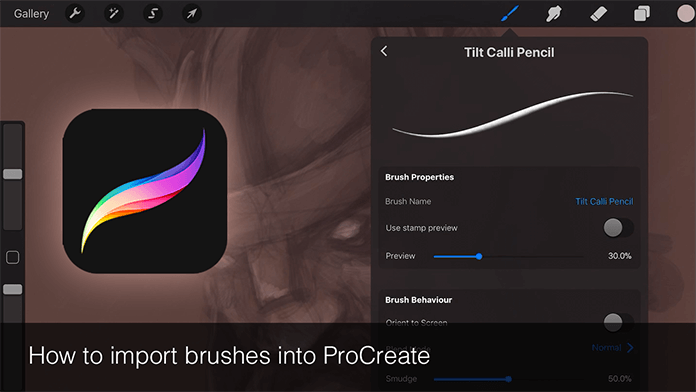
Learn how to manage Procreate brush files on your iPad using FileBrowser Professional, including importing new brushes and exporting existing ones to cloud or computers.
Importing and exporting Procreate brushes on your iPad allows you to customise and manage your creative toolkit with ease. With FileBrowser Professional, you can browse .brush files stored in cloud storage, on Macs, Windows PCs, or network drives, and import them directly into Procreate. You can also export your favourite brushes from Procreate to your chosen storage location for backup or sharing. This workflow gives you flexibility to expand, sync, and preserve your brush collections across devices.
FileBrowser Professional gives you full control over your files on iPad including network drives, cloud storage, and advanced file operations all in one powerful app. Download now on the App Store
Benefits
- Add custom brushes downloaded from artists or marketplaces
- Back up your most-used brushes to cloud or computers
- Share brush collections with peers or collaborators

Related Videos
Download Now


