Save Procreate Files to Your Computer
Learn how to export Procreate artwork from your iPad to your Mac, Windows PC, or cloud storage using FileBrowser Professional.
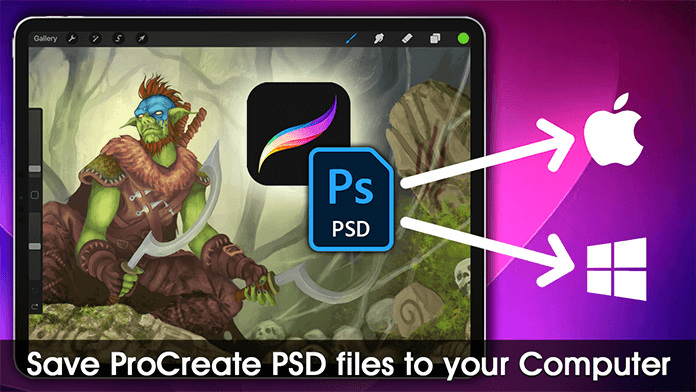
Exporting your Procreate files from an iPad allows you to back up, edit, and organise your artwork outside of the app. With FileBrowser Professional, you can select your Procreate canvases and share them as Procreate or PSD files directly into your chosen storage location whether thats a Mac, Windows PC, or cloud service. From there, you can open, edit, or archive your files in desktop applications, create secure backups, and maintain an organised library of your creative work across devices.
FileBrowser Professional gives you full control over your files on iPad including network drives, cloud storage, and advanced file operations all in one powerful app. Download now on the App Store
Benefits
- Backup artworks to your computer or cloud storage for safekeeping
- Edit or continue working on PSD files in desktop apps
- Keep multiple versions and organise your projects outside Procreate

Related Videos
Download Now


